

1Download
Get Major Study for Mac. The .dmg file lands in your Downloads.
The app is for computers. On your phone, use Major Study in your browser at major-study.com/app.
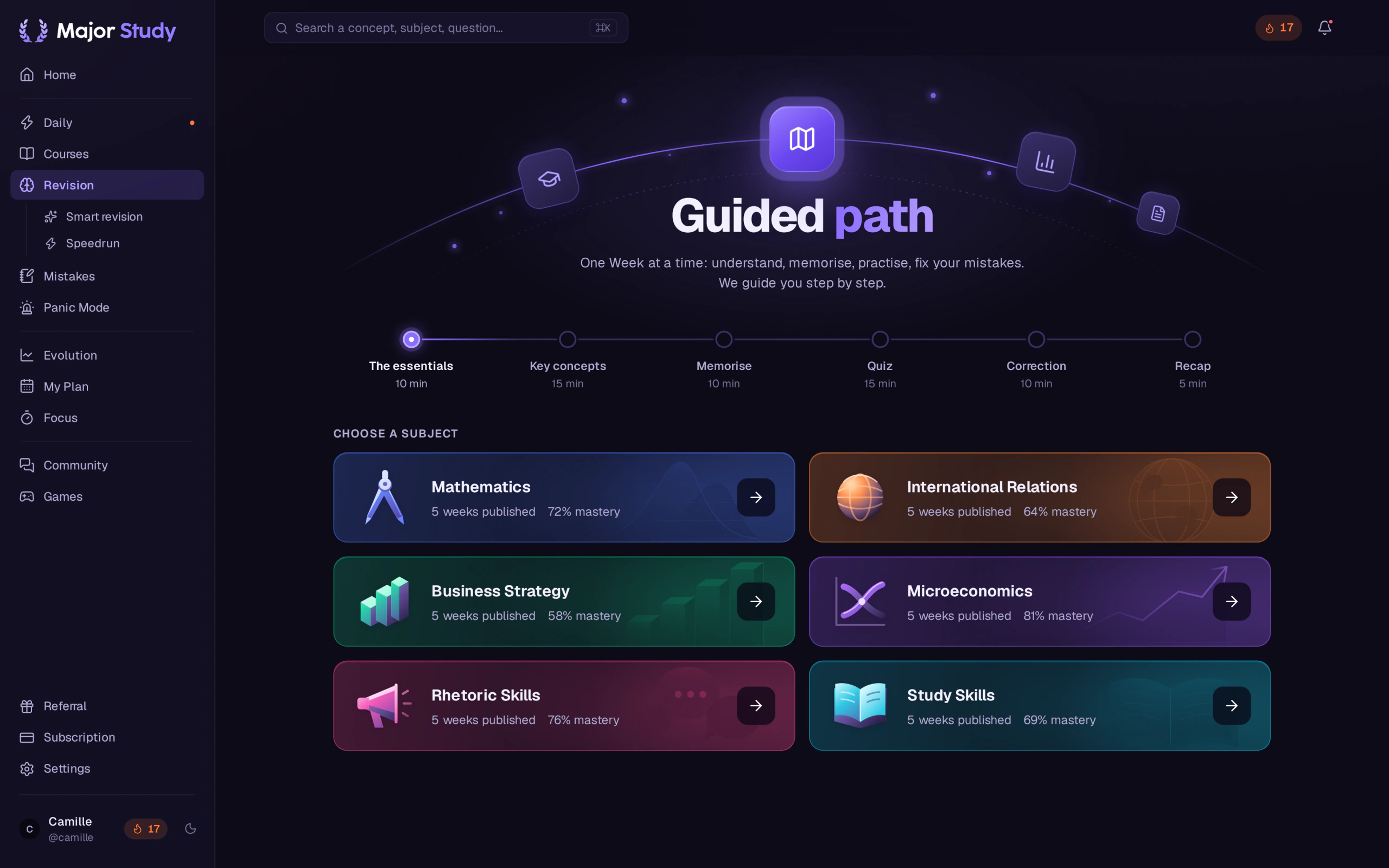
Download, install, sign in once. That is it.
Get Major Study for Mac. The .dmg file lands in your Downloads.
Open the file and drag Major Study into the Applications folder.
Launch it, sign in once and keep it in your Dock.
Get the Major Study installer for Windows.
Open MajorStudy-windows-setup.exe. It installs in seconds, no admin rights needed.
Find Major Study in the Start menu or on your desktop and sign in once.
First launch on Mac: the app is verified by Apple. macOS simply asks if you want to open an app downloaded from the Internet: click Open. Only once.
First launch on Windows: if Windows shows “Windows protected your PC”, click More info, then Run anyway. Only once.
Everything you use on Major Study, without the distractions of a browser.
No tabs, no address bar, nothing else: just your revision.
Open it and pick up exactly where you left off.
Your Daily, duels and replies, right on your computer.
New features land in the app the moment they are out.